If your OnePlus smartphone with a Qualcomm processor is experiencing sudden software problems and you want to unbrick, flash, repair, or perform a deep recovery, you’ll first need to install the QDloader driver on your PC. The main function of this driver is to connect your unresponsive phone to your computer. This USB driver allows your computer to recognize your mobile device.
| File Name | Qualcomm HS-USB QDLoader 9008 |
| Version | v1.2 |
| Size | 18MB |
| Supports | All Windows (64-bit 32-bit) |
What is the QDLoader Driver?
The QDLoader 9008 driver is communication software for Android phones with Qualcomm chipsets. When a phone is dead, bricked, or in EDL mode, you cannot connect it to your PC normally. This is where the QDLoader 9008 driver comes in. This driver allows the computer to recognize the mobile device.
This driver tells the PC that:
- It is not a standard USB device.
- It is an emergency Qualcomm device.
- It needs to send and receive data in a special mode.
- And it can be accessed by flashing tools (QPST/QFIL).
When is the QDLoader driver needed for the OnePlus 8?
Let’s find out when the QDLoader driver is needed for the OnePlus 8 mobile device.
- When the phone appears dead
- When the phone is stuck in a boot loop or on the logo
- When the phone is bricked after flashing the wrong ROM
- When MSM Tool or QFIL is not detecting the phone
- When you need to perform a deep flash or unbrick the phone
How to install the QDLoader Driver?
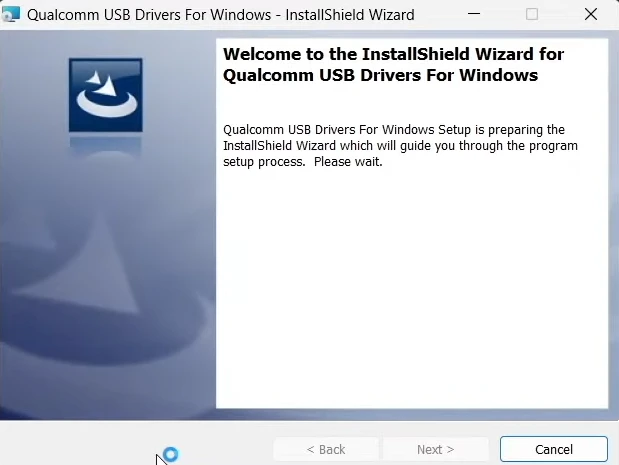
The steps below explain how to install the QDLoader 9008 USB driver on Windows:
- Extract the downloaded driver zip file.
- Run QDLoader_HS-USB_Driver_Setup.exe
- Follow the on-screen instructions.
- Click on “Install Anyway” (Windows will show a warning – ignore it).
The installation will now be successful.